Psiphon
Free VPN for PC bypassing content and gives you easy access to any censored data

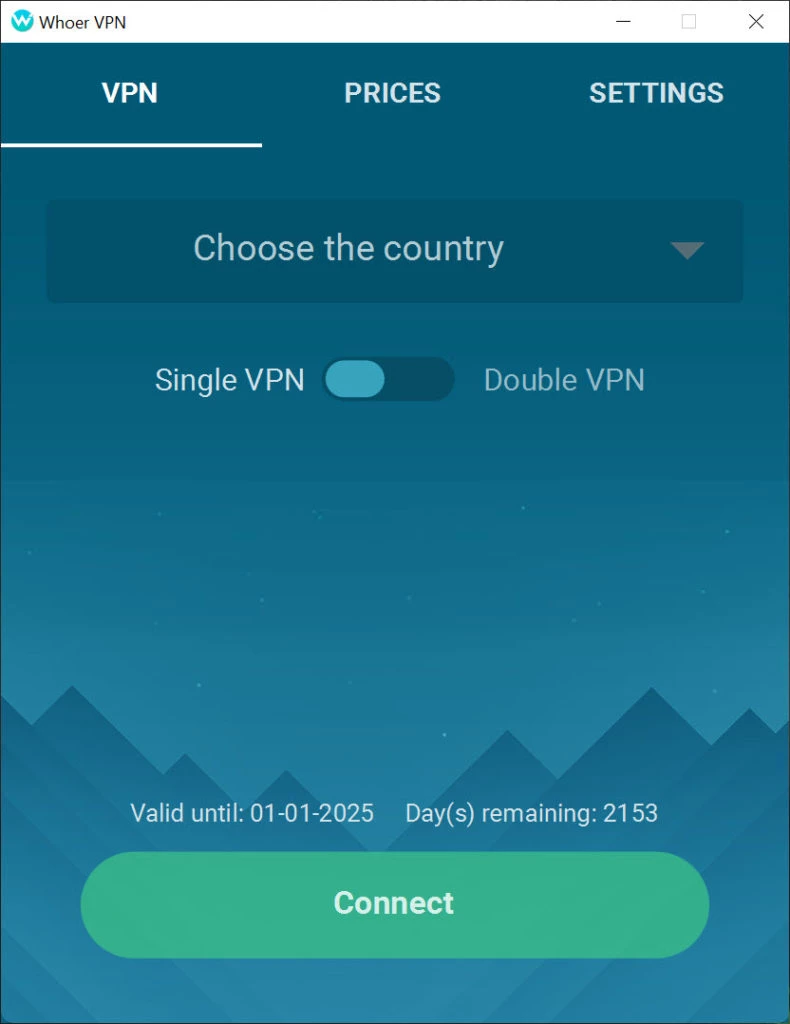
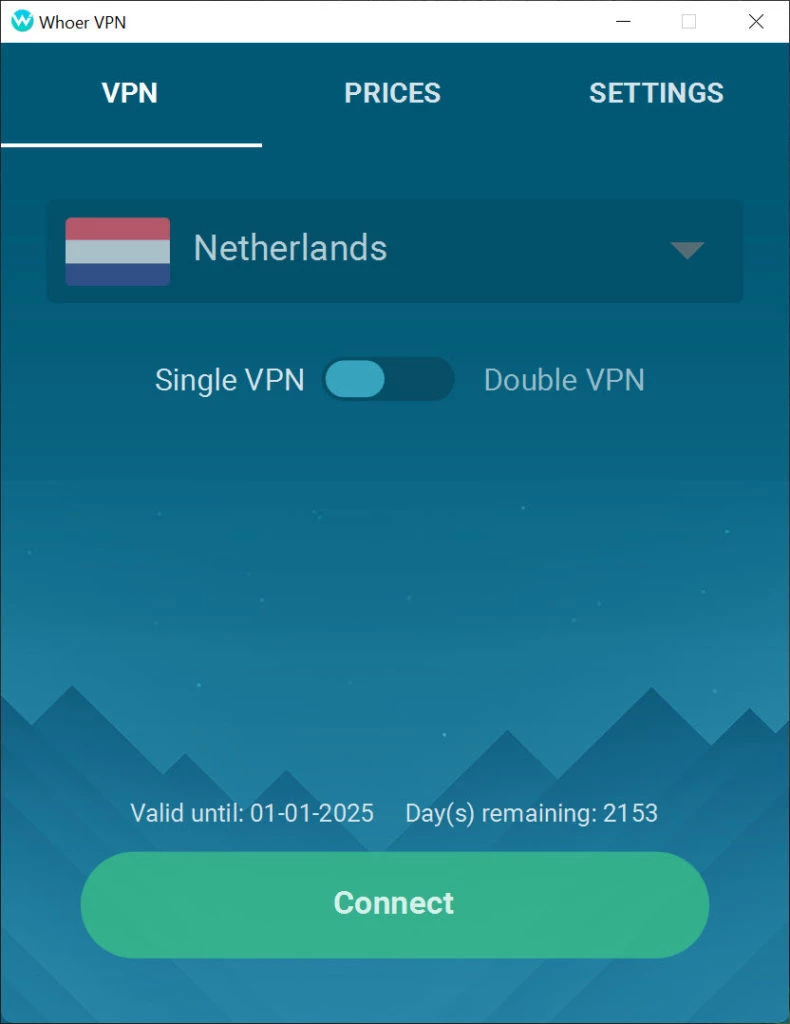
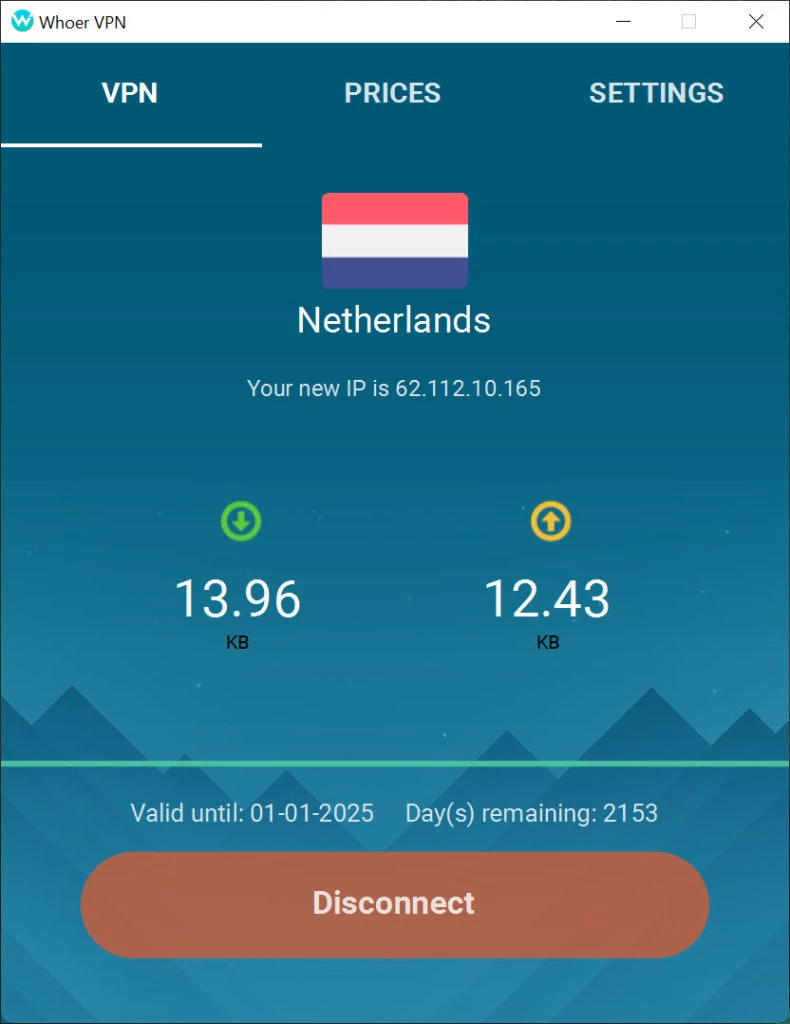
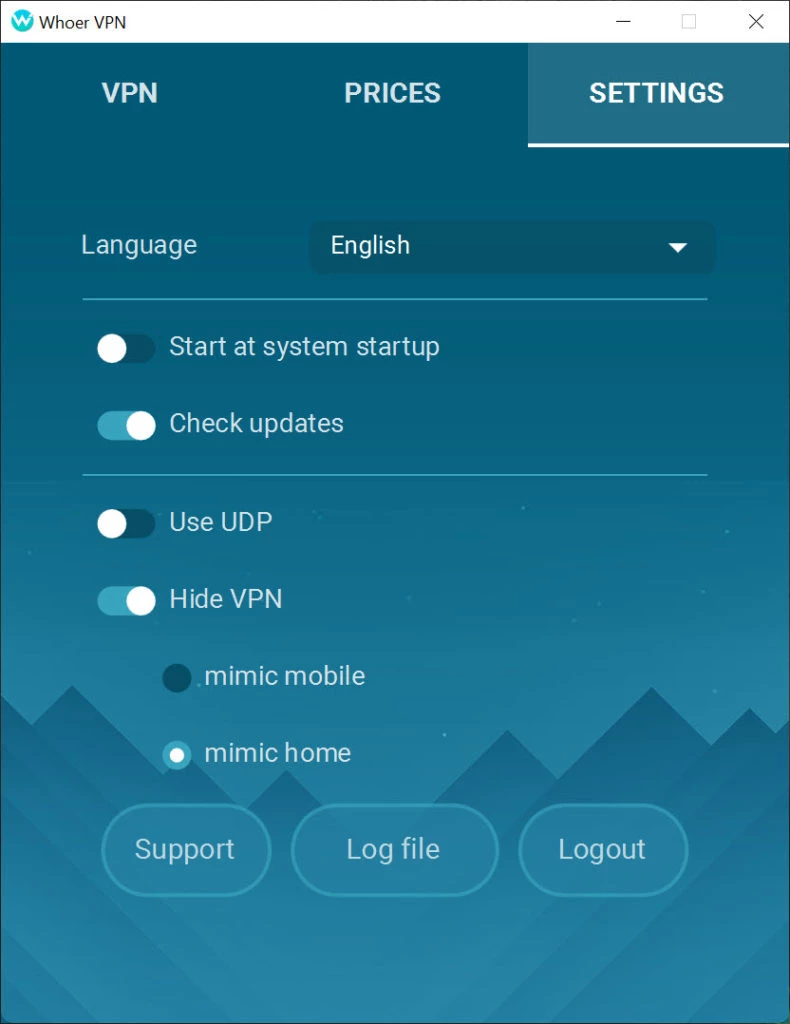
Whoer VPN is a lightweight, browser-based add-on to offer robust privacy and security while surfing online. It requires a simple download or installation process, and you can launch it through your browser by clicking the icon from the address bar. It helps to make your online history safe, even if you are using public Wi-Fi.
The VPN, while working as a browser extension, offers limited features, but proves to be the best solution to make your IP address safe, and doesn’t require any extensive configuration. It is a free, simple, and fast VPN utility within supports multiple web browsers.
Whoer is a freeware utility developed by whoer.net and belongs to the Security category. You can install it as an add-on in your web browser, such as Chrome, Firefox, Edge, etc, and activate it from the browser’s address bar. It is compatible with Windows operating systems only.
It is simple, easy to use, and offers robust security and privacy to protect your online browsing. You can select your favorite location, website, or game, and browse anonymously while hiding your real IP address.
The app offers a simple and easy installation process; you need only to select the drive and start the installation. It will take only a few minutes, hassle-free, without any bothering of manual process. After installation, launch the app and navigate to the main screen. Here, you will be able to establish a connection and start remote browsing. You also need to enter the code for the first time using the app and select the server as well.
The app, using your browser, offers a strong and stable connection and allows you to browse anonymously without any threat of tracking. It offers a fake IP address while enabling you to hide your IP address, and not need to save your IP connection data.
If you have to face an IP-based restriction, and are not capable of accessing or downloading your favorite data or applications, and you constantly encounter an access error on your screen with every try. You can use a VPN functionality to unblock the blocked websites and apps, such as online games, TV shows, and other material.
The app offers seamless compatibility with multiple devices, including Windows PC, Android, tablet, and so on. You can use it as an extension for multiple web browsers, such as Google Chrome, Firefox, etc., so you can install it on Android, iOS, Windows, or macOS, and even on the Linux operating system more reliably.
The lightweight app with a tiny size offers robust services to offer anonymous browsing. It consumes very few resources and doesn’t impact your battery to offer multiple awesome features such as DNS leak prevention, HTTPS encryption, and so on.
The app offers a basic free version for users who want a free VPN only for anonymous browsing, but the app also offers a premium version with multiple advanced features, such as ad-free browsing, DNS leak protection, high-level encryption up to AES 256-bit encryption, and so on. It also offers innovative recommendations to improve your online privacy and security.
You can use the premium version within multiple subscription plans without any demand for additional fees or other hidden charges. It also offers a 30-day money-back guarantee and offers a refund facility that you can avail through Contact Support.
The app offers a double VPN connection to enable users to establish a connection while rerouting their traffic through two different servers. This offers foolproof protection and saves your data and IP from being revealed.
The app offers servers only in 16 different countries, but with double VPN for PC facility and multiple other advanced features, it makes your connection protected and safe. It prevents intruders from accessing your location or other internet activities. You can download torrents and other content at high speed. You can easily avoid ISP throttling, government censorship, and access to the blocked sites within seconds.
You will find multiple additional tools to enhance your online browsing activities, such as
Pros
Cons

Free VPN for PC bypassing content and gives you easy access to any censored data

Turbo VPN for PC, a secure and fast way for anonymous browsing

Clash for Windows, bypass geo-restrictions content

Proxifier provides proxy servers for network applications that lack built-in proxy servers

1111 Warp VPN Free Download for PC offers the fastest and safest internet connection while using the fastest DNS resolver.

V2rayN, an open-source GUI, manages V2ray server and proxy connections for free